
Recently Played
Pick up from the games RePlayOS has seen recently.
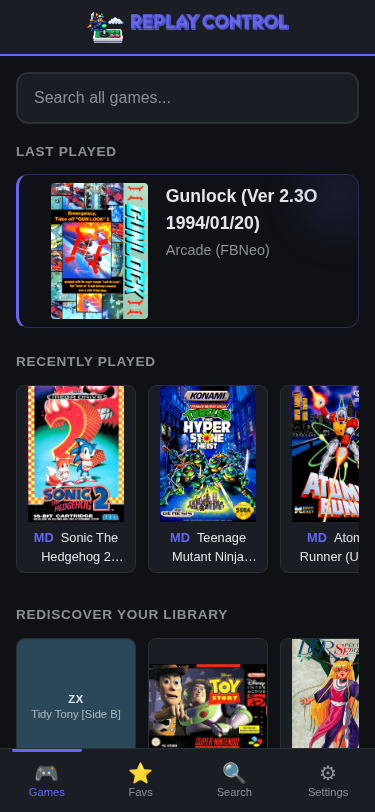
Recently Played is automatic. Replay Control reads the same recent-play activity used by RePlayOS, and launches from the web app update that activity too.
It keeps the continue-playing path short, without requiring a trip back through systems or search results.
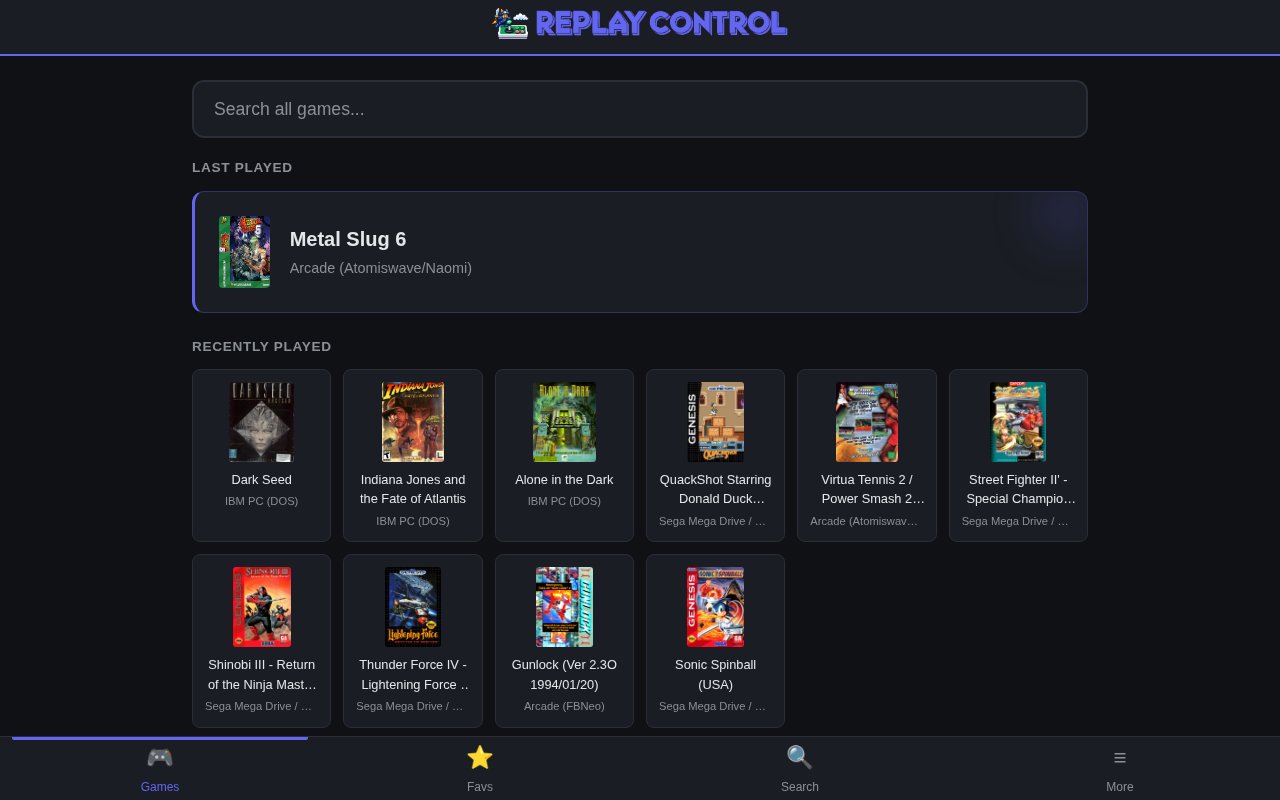
Last Played
The home page highlights the most recently launched game as a larger card. It gives you a fast path back to the game detail page and keeps the current session visible when paired with Now Playing.
Recently Played Row
The recently played row keeps the latest launched games in order. It works across systems, so a session that jumps between arcade, console, and disc games still appears as one timeline.
How It Updates
Recents update when a game is launched from Replay Control or appears in RePlayOS recent activity. They are independent from Favorites: a game can be recent without being a favorite, and a favorite can stay pinned even if you have not launched it lately.
Admin maintenance actions such as deleting a ROM or clearing recents can remove entries that no longer make sense for the active library.