Replay Control

A companion web app for RePlayOS

Manage your retro game library, browse metadata, and launch games — all from your phone, tablet, or desktop.

Get Started
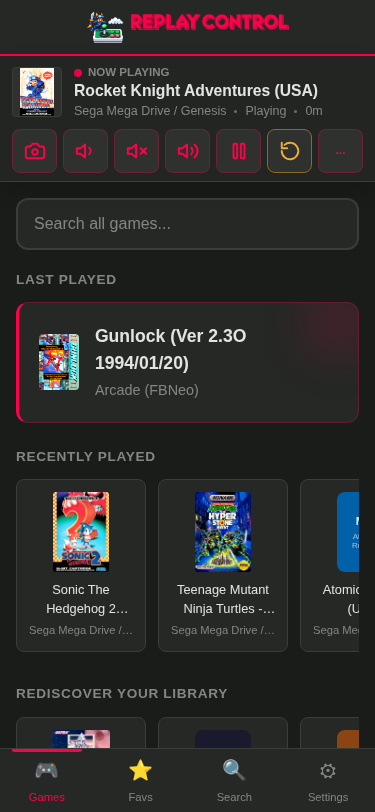
Now Playing player bar with controls
Now Playing
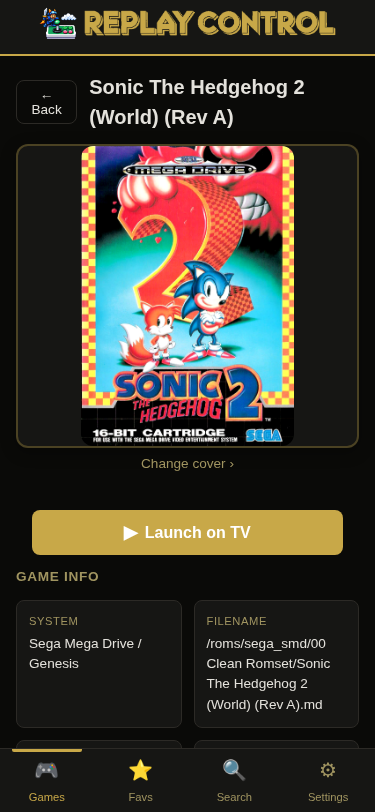
Game detail - Sonic the Hedgehog 2
Game detail
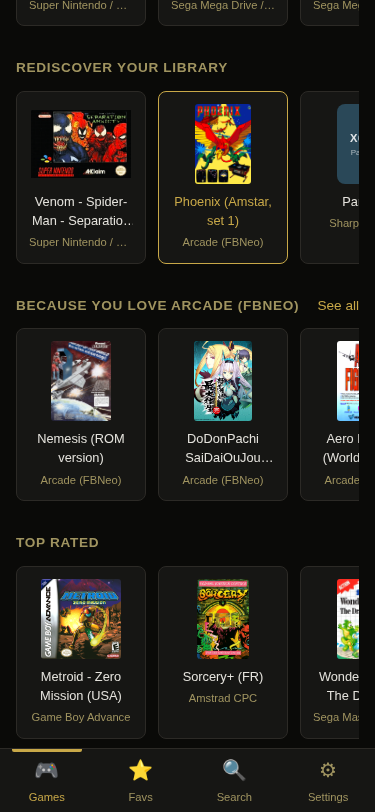
Personalized recommendations
Recommendations
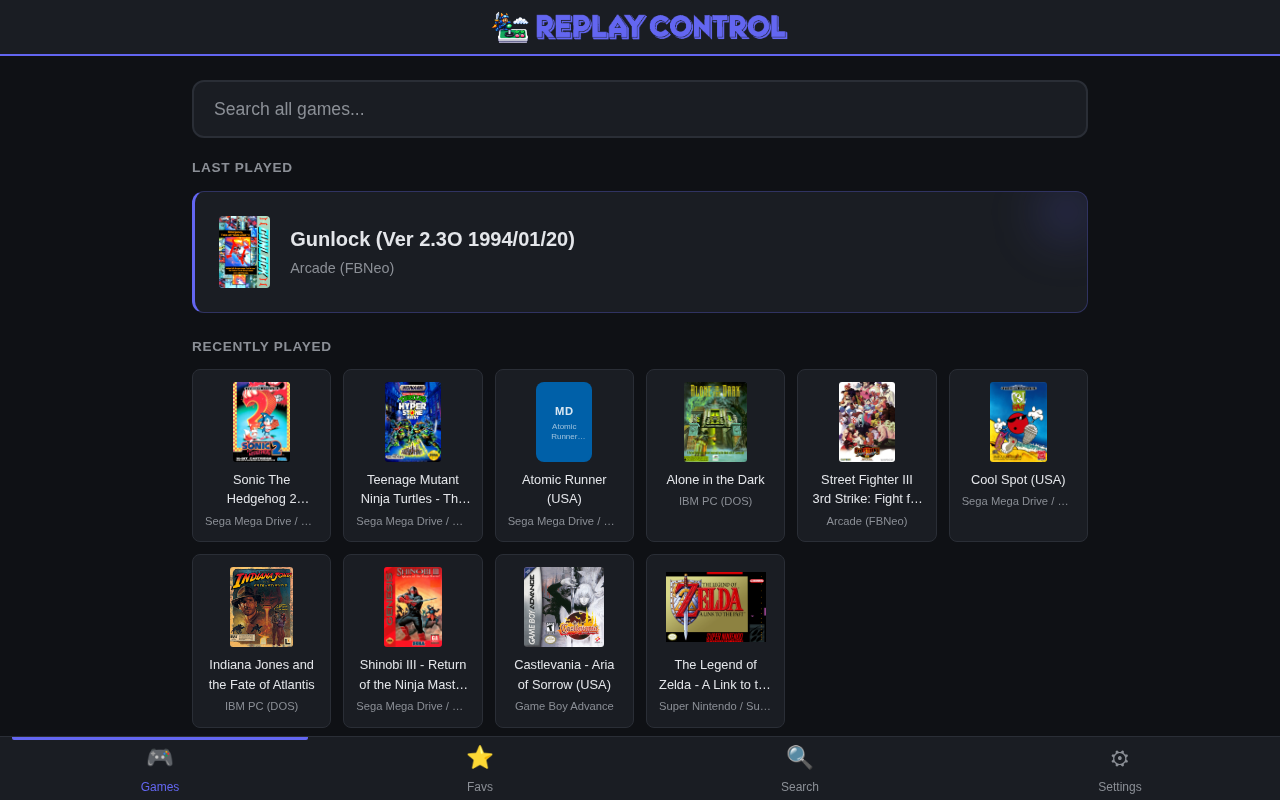
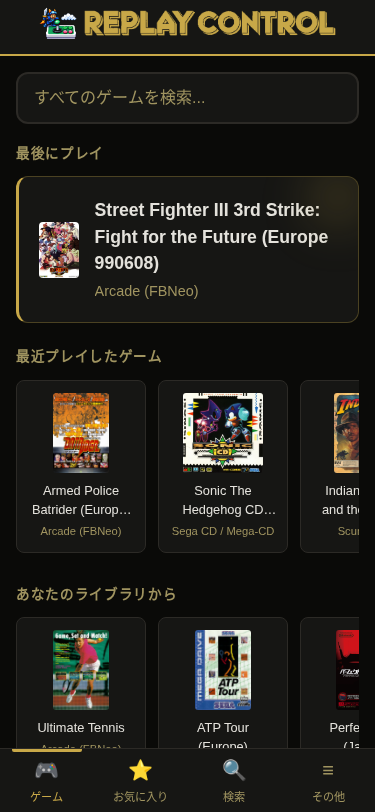
Home page
Home page
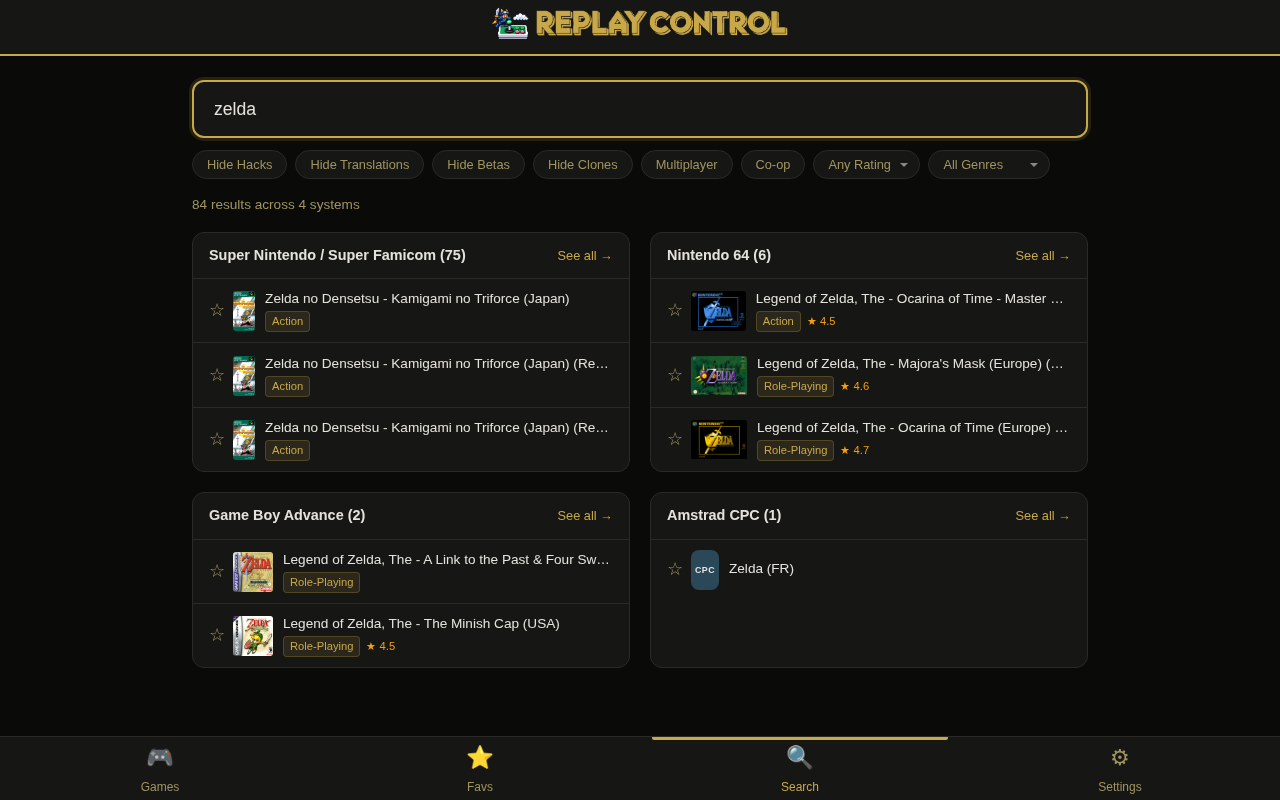
Search results - Zelda
Search
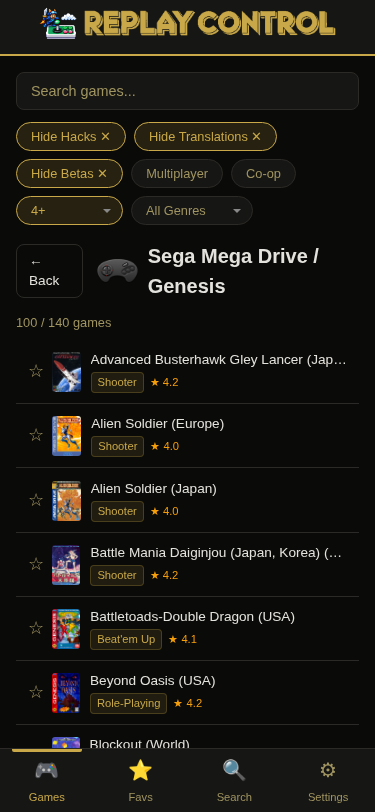
System browser - Mega Drive
System browser
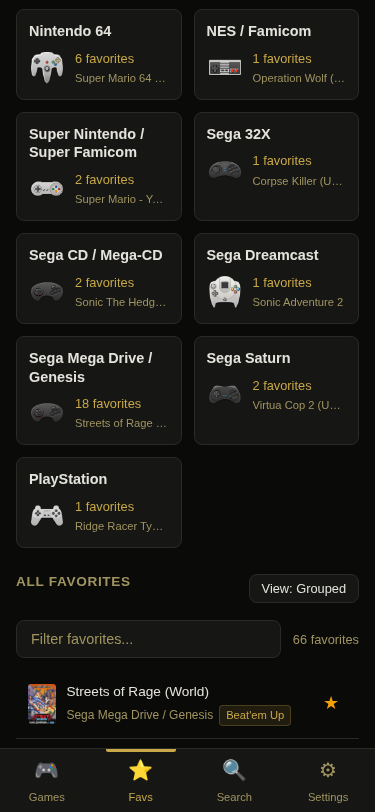
Favorites organized by system
Favorites
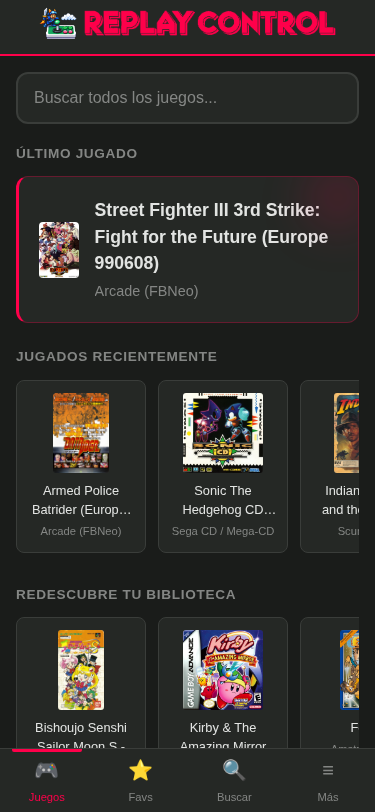
Home page - Spanish
Spanish
Home page - Japanese
Japanese
📚 Metadata for 49K+ Games 🔍 Instant Search ⭐ Smart Recommendations 🎮 Launch Games from Phone 🖼️ Auto Box Art 📡 WiFi & NFS Setup 🎨 11 Skins 🌐 English, Español, 日本語 ⚡ Built with Rust

Quick Install

Open PowerShell, Terminal, or any shell. Connect to the Pi first, then paste the installer:

ssh root@replay.local
# default password: replayos
curl -fsSL https://raw.githubusercontent.com/lapastillaroja/replay-control/main/install.sh | bash

If replay.local doesn't resolve (common on Windows and in VMs), find the Pi's IP in your router and use ssh root@<ip> instead.

Then open http://replay.local:8080 in your browser.

See the install guide for beta builds, SD-card install, and other options.

Roadmap

On the horizon — planned, not yet available (in no particular order).

  • 🎮 Improved game detail page UI and resource management
  • 🔗 Deeper RePlayOS integration via the newly released official API
  • ⏱️ New Now Playing UI and controls
  • 🟧 DMDos integration

Start exploring the docs

Get Started